
LamaBeat 1
In stockDelivery time: 1-3 days
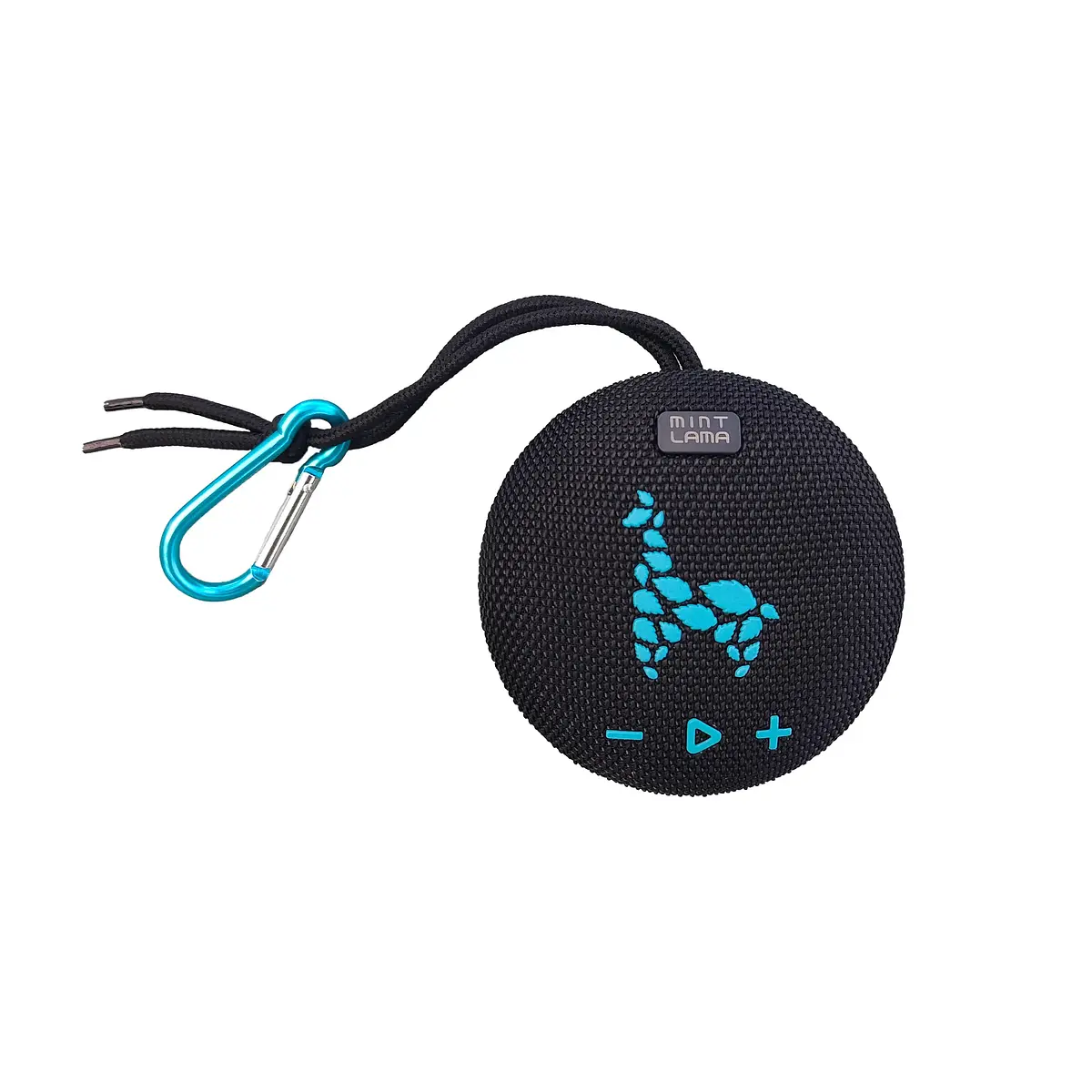
The ultimate music enjoyment for everywhere with the Bluetooth speaker from MINT LAMA:
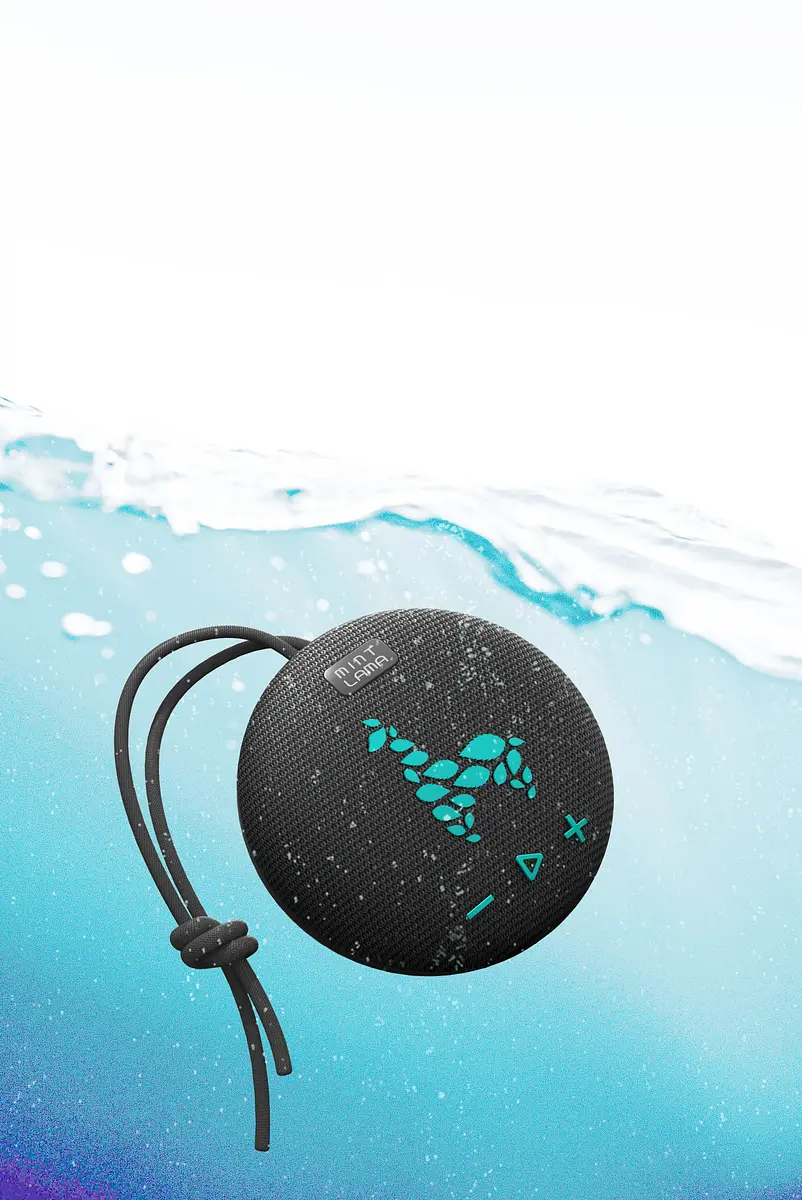
- Waterproof (IP X7)
- Magnetic
- Compact
Package contents
- USB-C Ladekabel
- Karabiner
- Bedienungsanleitung
WEIGHT
0.38 kg
EUR 48.94
incl. VAT
Innovation Award 2025 · LBS Valve - Lama Breath Silencer · Max. 80 dB
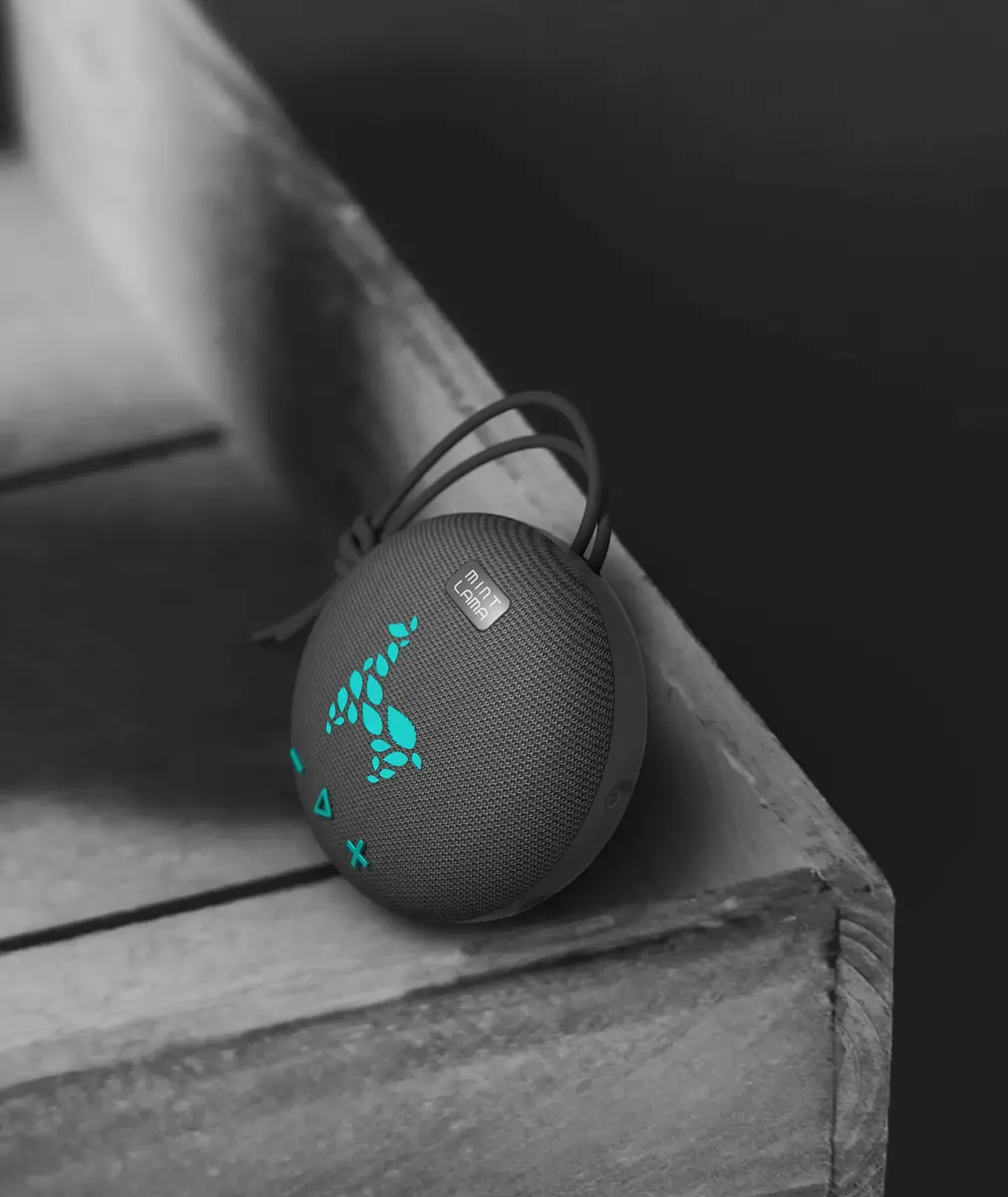
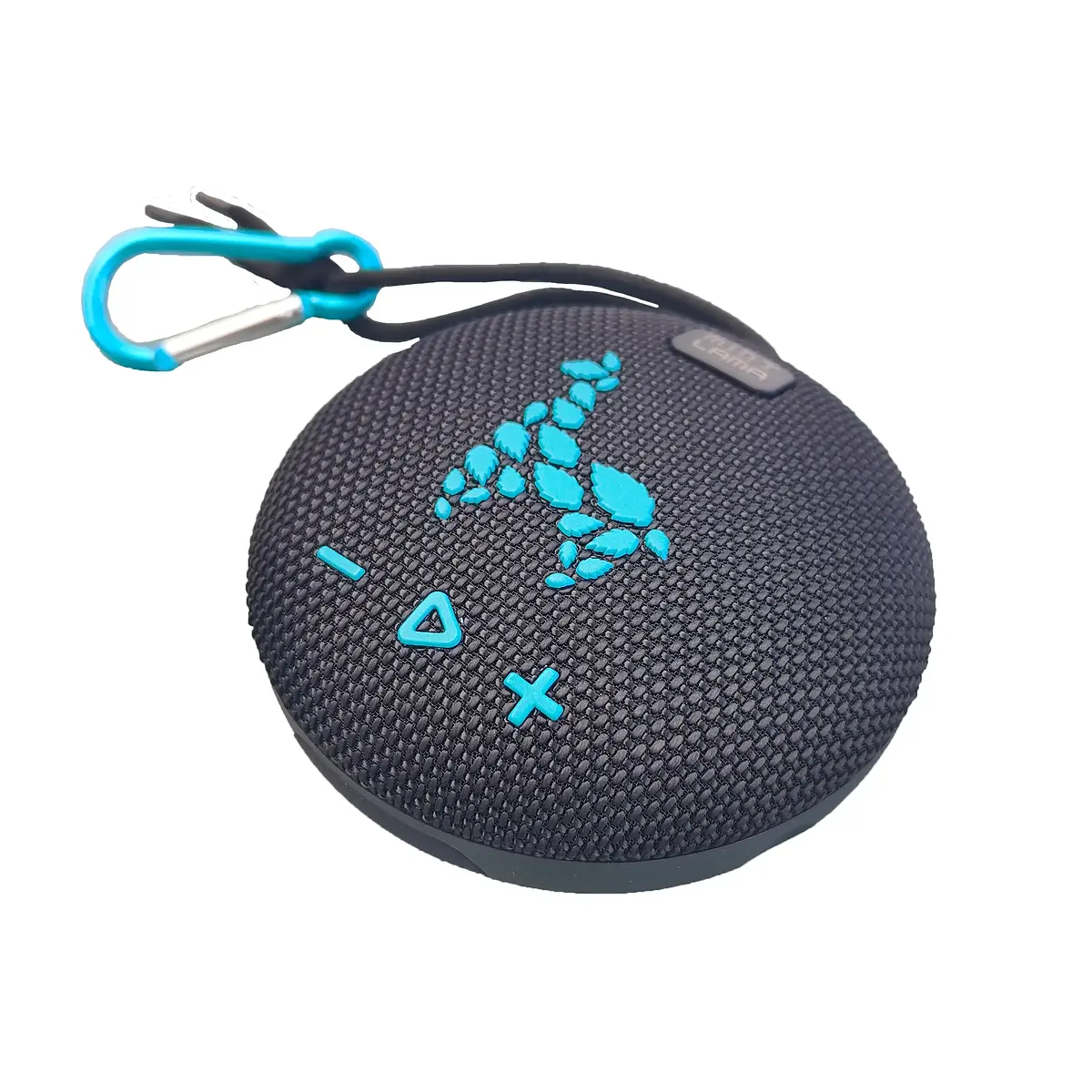
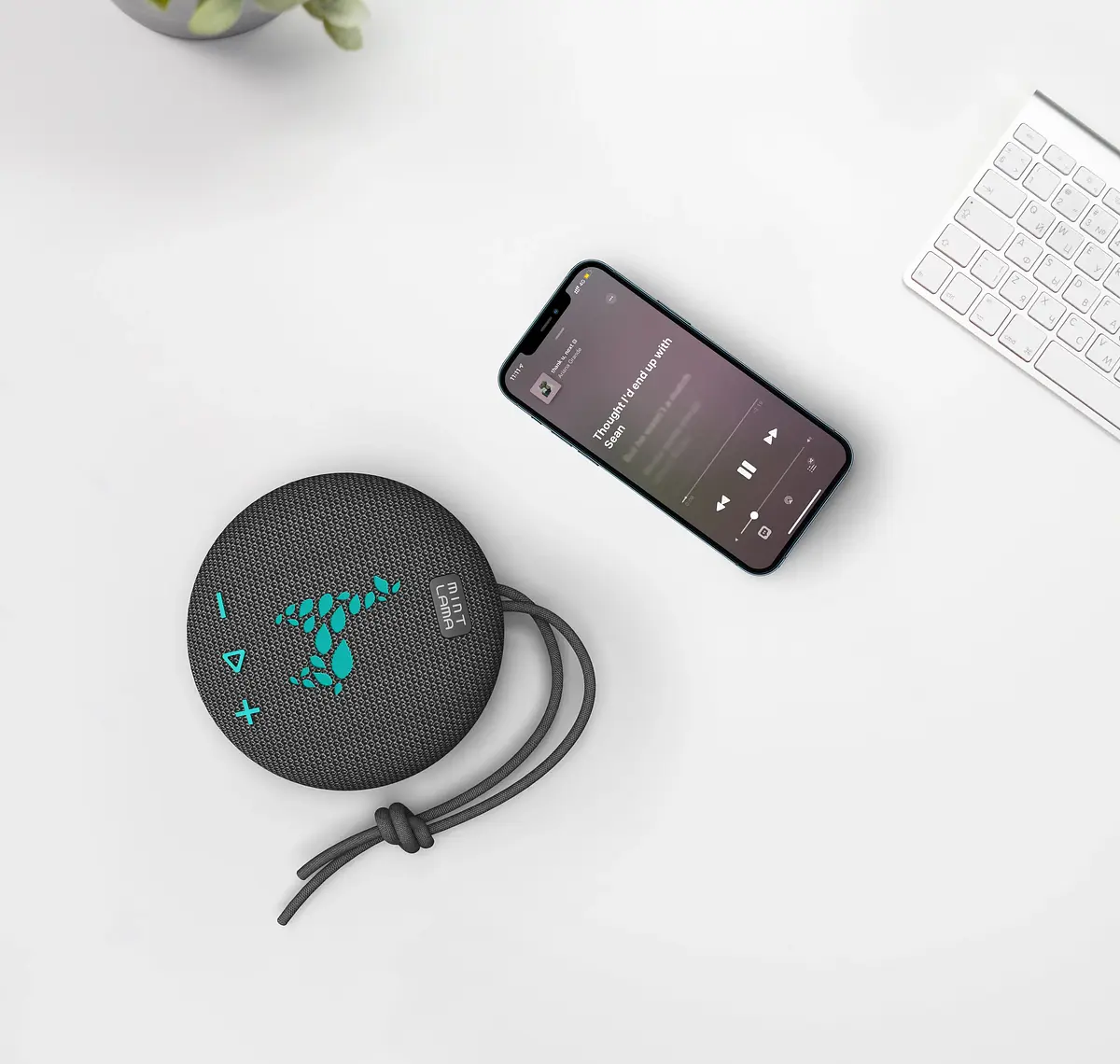
Enjoy high-quality sound wherever you are! The LamaBeat 1 is not only compact and lightweight, but also magnetic and waterproof with an IPX7 rating, making it perfect for any outdoor adventure. Whether you're at the beach, hiking, or just relaxing in the garden, this speaker can be easily attached anywhere thanks to its handy carabiner and fits into any bag—ideal for music lovers on the go.
Technical Specifications
Magnetic Speaker: Can be attached to any metallic surface
Magnetic Speaker: Can be attached to any metallic surface
Waterproof: IPX7 – even survives submersion in water
Speaker: D52mm 4Ω / 5W
Battery Capacity: 800mAh
Battery Life: 4 hours
Charging Time: 2.5 hours
Play Modes: Bluetooth, AUX IN, Built-in microphone for calls
TWS Function: Connect two identical speakers together
Charging
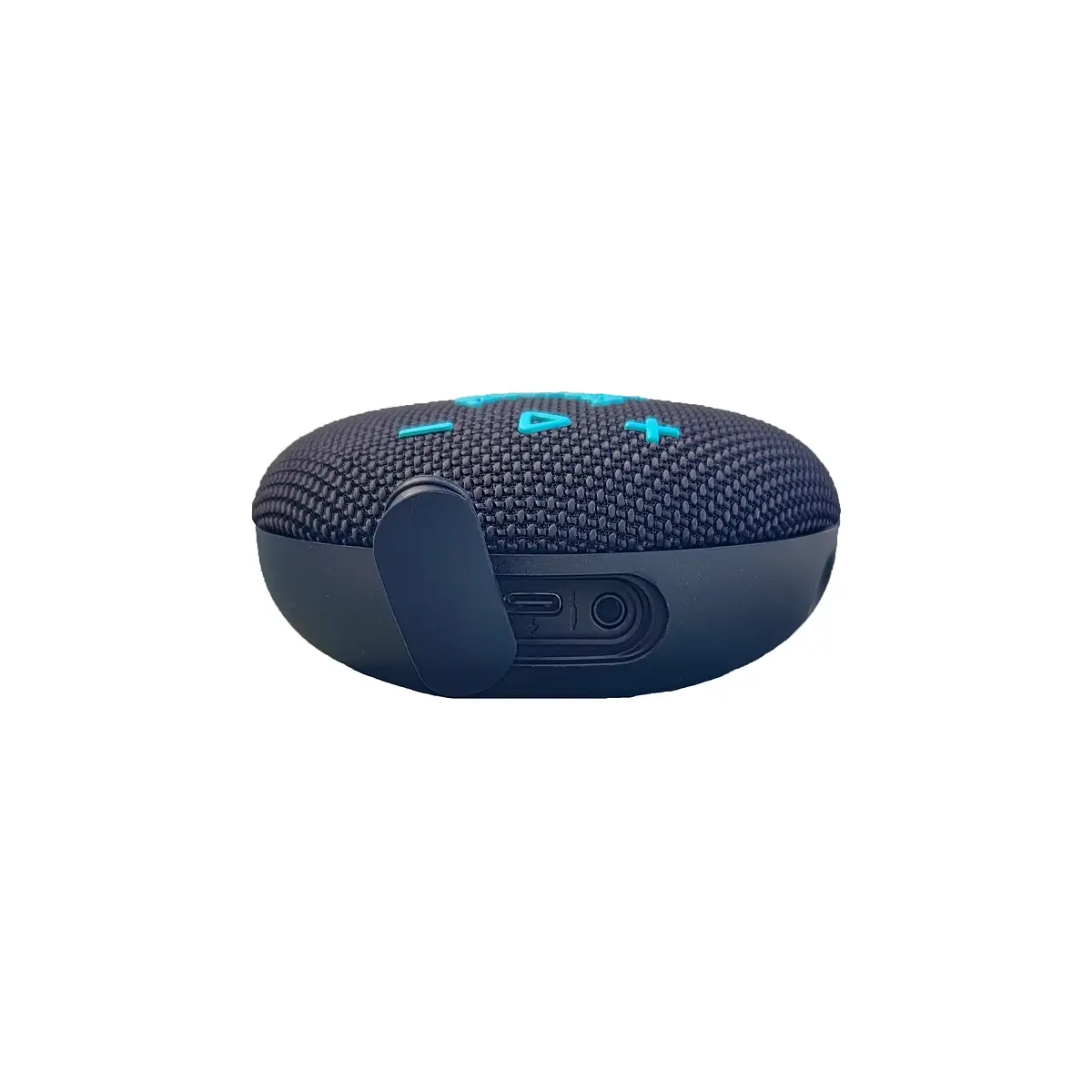
Connect the provided charging cable to the charging port and a USB outlet. The LED will light up red while charging. Once fully charged, the LED will turn off.
Connect the provided charging cable to the charging port and a USB outlet. The LED will light up red while charging. Once fully charged, the LED will turn off.
Power On/Off
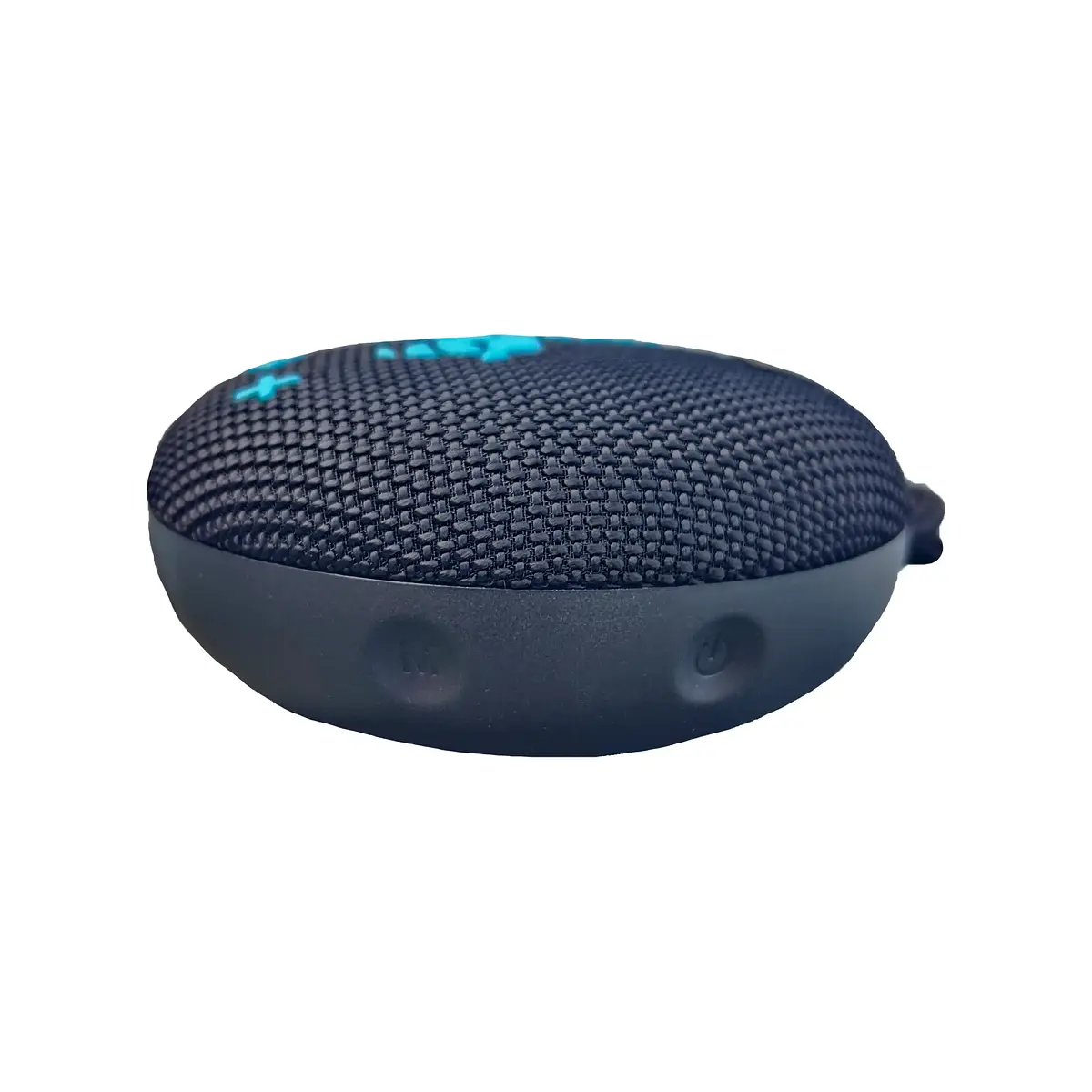
Hold the power button for 3 seconds to turn the speaker on or off. The speaker will automatically shut off if no Bluetooth connection is established and no music is played for 10 minutes.
Hold the power button for 3 seconds to turn the speaker on or off. The speaker will automatically shut off if no Bluetooth connection is established and no music is played for 10 minutes.
Pairing Your Device
Turn on the speaker and the Bluetooth indicator should start blinking white. Search for Bluetooth devices on your device (e.g., smartphone) and select the speaker from the list. The indicator will stay solid white once connected. Note: Only one device can be connected at a time.
Turn on the speaker and the Bluetooth indicator should start blinking white. Search for Bluetooth devices on your device (e.g., smartphone) and select the speaker from the list. The indicator will stay solid white once connected. Note: Only one device can be connected at a time.
Disconnect and Reconnect Devices
Hold the Mode button for 3 seconds to disconnect the Bluetooth connection. If your device supports automatic reconnection, it will reconnect automatically. If not, press the Mode button again for 3 seconds to reconnect to the last paired device.
Hold the Mode button for 3 seconds to disconnect the Bluetooth connection. If your device supports automatic reconnection, it will reconnect automatically. If not, press the Mode button again for 3 seconds to reconnect to the last paired device.
| Article number | LB-1 |
| Color | black / mint |
| Material | ABS + TPU + fabric |
| Product dimensions L × W × H | 10 x 10 x 4.5 cm |
| Weight | 0.38 kg |
| Manufacturer | MINT LAMA |
| Country of origin | CN |
| Package dimensions | 10 x 10 x 8 cm |
| Package weight | 0.36 kg |
| Package unit | 1 |
| Package content | USB-C charging cable, carabiner, operating instructions |
How can I connect two speakers with TWS function?
1. switch on both speakers
2. press and hold the play/pause button on one speaker for about 2 seconds until you hear a "beep". This is the primary speaker
3. release the play/pause button. It may then take a few seconds until the speakers are connected.
4. in the Bluetooth menu of the smartphone, pair it with the speaker (only one speaker is displayed as it is paired with the second one)
How can I disconnect two paired speakers from each other?
Press and hold the Play/Pause button on one of the speakers for approx. 2 seconds. A "beep" sounds and the connection is disconnected.
Can I connect more than one device to the speaker?
No, only one Bluetooth device can be connected to the speaker at a time. To connect another device, the connection to the current device must be disconnected.
Can I reset the speaker?
Yes, simply press and hold the power button for approx. 8 seconds. The speaker is then automatically reset and switched off.
1. switch on both speakers
2. press and hold the play/pause button on one speaker for about 2 seconds until you hear a "beep". This is the primary speaker
3. release the play/pause button. It may then take a few seconds until the speakers are connected.
4. in the Bluetooth menu of the smartphone, pair it with the speaker (only one speaker is displayed as it is paired with the second one)
How can I disconnect two paired speakers from each other?
Press and hold the Play/Pause button on one of the speakers for approx. 2 seconds. A "beep" sounds and the connection is disconnected.
Can I connect more than one device to the speaker?
No, only one Bluetooth device can be connected to the speaker at a time. To connect another device, the connection to the current device must be disconnected.
Can I reset the speaker?
Yes, simply press and hold the power button for approx. 8 seconds. The speaker is then automatically reset and switched off.
Attachments (PDF, videos) are managed in the backend and will be linked here as soon as they are available.